
You can change your display name through the in-game Profile panel, as follows, with important points to remember:
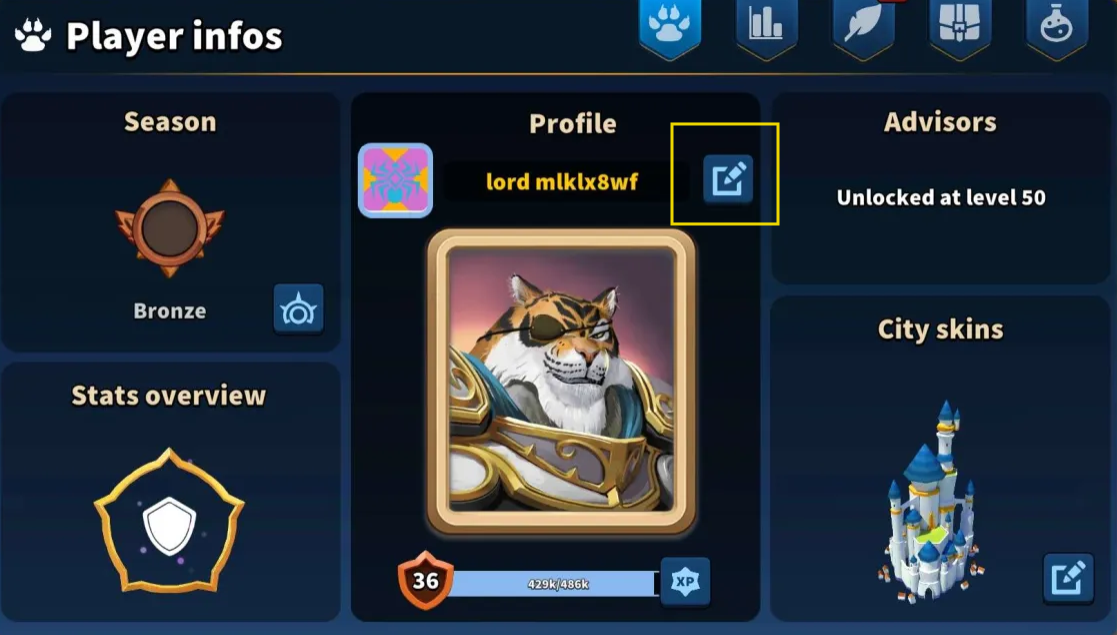
- Open the Player Infos panel – In Profile section, click on the box situated on the right of your name
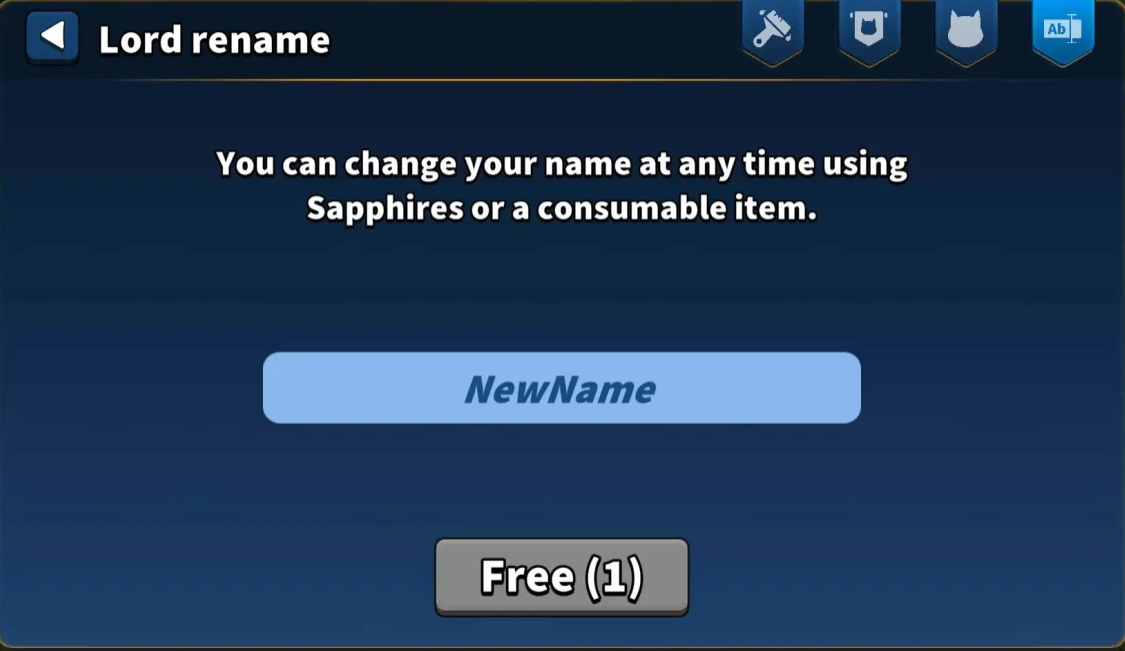
- Lord Rename panel will pop up – Enter your new desired username. For new players, first name change is free. Next name changes will cost 1000 sapphires each time you rename.
- Name restrictions – Make sure your new name follows the game’s rules (no offensive language, special characters, or duplicates).
- Contact support if needed – If you cannot change your name in the game, reach out to the support team with your Player ID (PID) and account details.
Following these steps ensures your new display name is applied correctly and complies with the rules.