If you want to bookmark any type of city (your city or opponent), follow the below steps:
- Click on the city you want to bookmark
- Click on the city banner to open city details
- Click on the button on the right-top corner of the panel

- Hit save button to save the bookmark
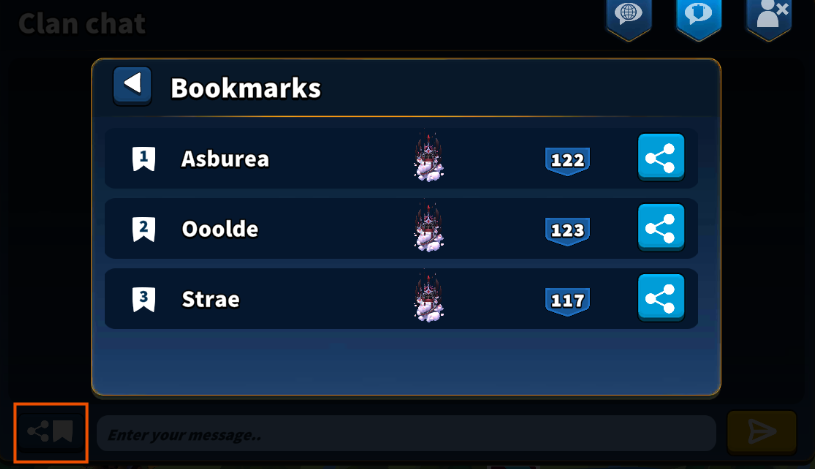
You can find the bookmarked city by opening the city panel, and accessing the second tab.
The panel can support maximum three bookmarks.

If you want to share a bookmarked city with your clan, go to clan chat and click on the button placed in the left side of the chat bar.